
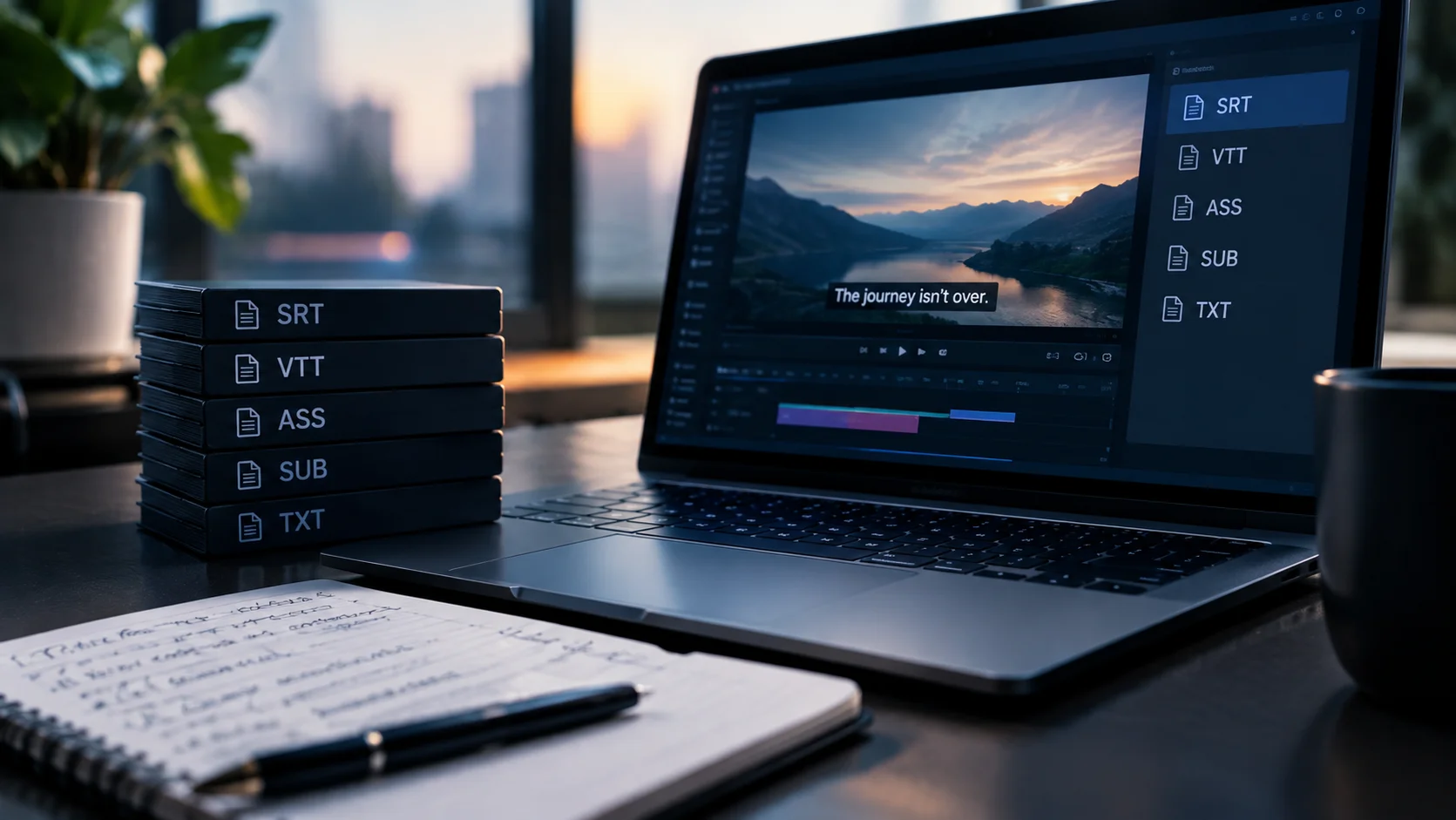
The short answer: subtitle format conversion is rarely just a change of file extension. Every format stores timing, screen position, styling and character limits differently, so a conversion can quietly break things: timing that drifts because of a frame rate mismatch, lines that overflow SCC’s 32-character rows, subtitles that lose their position and cover on-screen text, accented characters that turn into symbols, and SDH descriptions that disappear. The fix is to build one clean master to the strictest destination’s spec, export each format separately from it, and QC every export against the video.
A lot of the files that come into our New York City studio for QC have the same backstory. The subtitles were fine for one platform, someone ran them through a converter for the next platform, and the new file was rejected. The words were right. The container was the problem. This guide covers why that happens and how to avoid it.
Which format goes where, in 30 seconds
As a quick orientation: SRT is the universal working format for YouTube, social and most screener portals. WebVTT is built for web and eLearning players. SCC carries US broadcast closed captions. The major streaming platforms build their specs around TTML and its profiles: Netflix, for example, accepts TTML1 for subtitles and SDH, and IMSC 1.1 for Japanese. Cinema runs on DCP subtitles or burned-in text.
For the full list of formats we deliver, from SRT and SCC to EBU STL, PAC, iTT and CAP, see the format table on our subtitling services page. Platform specifics are covered in our Netflix subtitle delivery guide, our Amazon Prime Video subtitle guide and our film festival subtitle guide. The rest of this article is about what happens between formats.
Why conversion is not just a file extension change
A subtitle file holds two things: the text, and the instructions for when and where to show it. Simple formats like SRT store little more than start time, end time and text. Rich formats like TTML can store screen regions, alignment, italics, language tags and more. Broadcast formats like SCC encode the text under strict technical limits.
Conversion is not symmetrical. Going from a rich format down to a simple one throws information away, because the simple format has nowhere to put it. Going from a simple format up to a rich one does not invent the missing information. You get a file with the right structure and nothing meaningful inside it. Either direction can produce a file that opens without errors and still fails platform QC.
Five ways subtitle conversion breaks your files
1Frame rate and timecode drift
Subtitle timing is tied to the frame rate of the video it was made for: 23.976, 24, 25 or 29.97 frames per second. If a file timed for one frame rate is converted or played against video at another, the subtitles start in sync and then slowly slide out of it. By the last reel they can be seconds off.
SCC adds another layer, because it uses 29.97 fps drop-frame timecode. Content mastered at 23.976 or 25 fps needs a proper conversion, not just a relabel. Platforms have their own rules too: Netflix, for instance, requires 25 fps content to be timed to PAL 25 timecode.
How to catch it: never check only the first few minutes. Spot-check timing near the end of the program, where drift is largest.
2Line length and reading speed
Streaming subtitles are typically written to around 42 characters per line. SCC, built on the CEA-608 broadcast caption standard, allows only 32 characters per caption row. A subtitle that fits comfortably on Netflix will overflow in SCC, and the converter will either truncate it, wrap it badly or split it into extra captions that flash by too quickly to read.
That is why converting to SCC usually means rewriting, not just re-wrapping. Shortening a line changes the reading speed, which then has to be checked again. In our own QC data on why subtitle and caption files get rejected, character and line limits account for 60% of rejections and reading speed for another 20%. Format conversion is one of the most common ways those problems are introduced into a file that was originally clean.
3Lost positioning
When a subtitle would cover burned-in text, a lower third or a speaker’s mouth, professional files move it, usually to the top of the screen. TTML, VTT and SCC can all store that position. SRT has no reliable way to do it.
Convert a positioned file down to SRT and every subtitle drops back to the bottom of the frame, right on top of the on-screen text it was moved to avoid. For US broadcast captions this is more than cosmetic: placement is one of the FCC’s four caption quality standards.
4Character encoding and unsupported characters
Text-based subtitle files should be saved as UTF-8. Files saved or converted in an older encoding can turn accented characters into symbols, which is a real risk for Spanish, French, Portuguese and other Latin-script languages, and an even bigger one for non-Latin scripts.
Some formats cannot carry certain characters at all. CEA-608 captions in SCC have a restricted character set. Japanese subtitles can rely on vertical text and ruby annotations, features that IMSC 1.1 supports and simpler formats do not. Converting those files down loses information that cannot be recovered without going back to the source.
5Stripped SDH elements and styling
SDH and closed caption files carry more than dialogue: speaker identifications, sound effect and music descriptions, and italics for off-screen voices, narration or foreign-language lines. Converters often drop italic tags, mangle bracketed descriptions or flatten formatting that a platform requires.
In our rejection data, missing descriptive text accounts for 15% of rejections. When an SDH file passes through the wrong conversion, this is often where the damage shows up. Our guide to SDH subtitles covers what those files need to include.
Converting up is a trap too
It is tempting to think the safe direction is from simple to rich: start with an SRT and convert it to TTML for a streaming platform. The file will usually be valid XML. It will also be missing what the platform’s spec actually checks: correct language tagging, region and positioning definitions, styling that follows the platform’s style guide, and the right profile declarations.
A validator may pass it. A platform’s QC team often will not. Converting up gives you the shape of a compliant file without the content of one.
How to get the format right the first time
The most reliable workflow is the one we use in-house, and any subtitle team can follow it:
- Get the delivery schedule before subtitling starts. The distributor or platform spec decides the format, the frame rate, the line limits and the style rules. Do not guess and convert later.
- Find the strictest destination. If a project is going to broadcast and streaming, write to the tightest limits, which is often the SCC broadcast caption rows, so the text survives every export.
- Confirm the frame rate of the final master. Time to the picture that will actually be delivered, not an earlier cut or a screener at a different frame rate.
- Build one clean master file. Keep positioning, italics, speaker IDs and sound descriptions in the master, even if one destination will not use them.
- Export each format separately from the master. Never convert one delivery file into another delivery file.
- QC every export against the video. Check timing at the end of the program, line lengths, positioning over on-screen text and special characters, not just whether the file opens.
How we handle format conversion at Gotham Lab
Every subtitle and caption file in our studio is produced and checked in-house in New York City, and we have been doing it since 2007. When a client sends us an existing file to convert, we do not just push it through software. We check the target spec, rewrite lines that will not fit, re-time to the correct frame rate, restore positioning and SDH elements, and QC the result against the picture.
If a file has already been rejected, send us the rejection notes along with the file and the delivery schedule. Learn more about our subtitling services and closed captioning services.
Request a free quoteFrequently Asked Questions
Why are my subtitles out of sync after converting them?
The most common cause is a frame rate mismatch. If a subtitle file was timed for one frame rate, such as 23.976 fps, and is converted or played against video at another, such as 25 or 29.97 fps, the subtitles drift further out of sync as the program goes on. The file needs to be re-timed to the frame rate of the final master.
Can I just rename an SRT file to VTT?
No. WebVTT files must start with a WEBVTT header and use a period instead of a comma before the milliseconds in each timecode. Converting SRT to VTT is usually simple, but the file still has to be converted, not renamed.
Why were my captions cut off when I converted them to SCC?
SCC carries CEA-608 broadcast captions, which allow a maximum of 32 characters per caption row. Subtitles written to longer streaming line limits do not fit and get truncated, badly wrapped or split. They need to be rewritten for SCC, then checked again for reading speed.
Does converting an SRT file to TTML make it ready for Netflix?
No. A converted file may be valid TTML but still miss what Netflix’s spec and style guide require, such as correct language tagging, positioning and styling. Netflix accepts TTML1 for subtitles and SDH, and IMSC 1.1 for Japanese, and files need to be built to its Timed Text Style Guide.
What is the safest way to deliver subtitles to several platforms?
Build one clean master subtitle file to the strictest destination’s limits, timed to the final master’s frame rate, then export each delivery format separately from that master and QC each export against the video. Avoid converting one delivery file into another.
Comments are closed